

开发者设置
Advanced tools、API Key 和实验功能 Labs,以及 About 页。
最后更新于
设置目录 Developer 下有 Advanced、API Key、Labs 三项。
Advanced
Settings → Developer → Advanced 里只有一项开关:Advanced tools,说明是 Show technical details and manual controls for chats, models, and local tools. This does not change model responses.
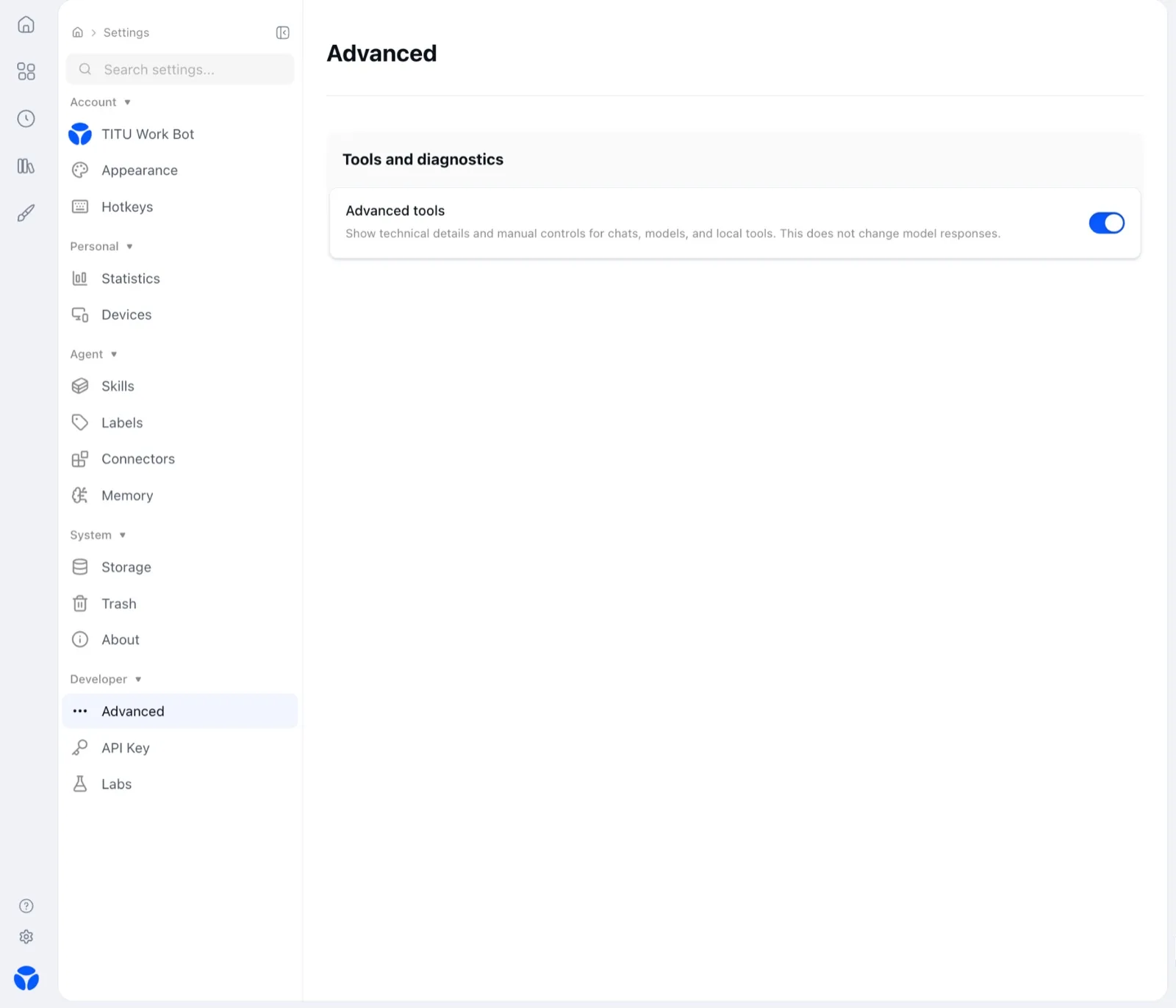
打开后,界面里一些原本隐藏的位置会显示技术信息,例如点击某条回复下方的数字,可以看到这条消息消耗的 Token,见用量与 Token。按界面说明,这个开关不会改变模型的回答。
API Key
API Keys 让外部工具和脚本以你的身份调用 TITU Work 的 API。页面顶部有 API Docs 和 Create API Key,表格列出 Name、Key、Scope、Expiration Date、Last Used,Key 默认打码,旁边有显示和复制图标。
妥善保管 Key
Scope 为 Full access、Never expires 的 Key 权限很大。请勿把 Key 发到群里,也不要写进公开代码。
Labs
Labs 是实验功能。页面顶部提示:These features are experimental. We might remove them, and they might have bugs.
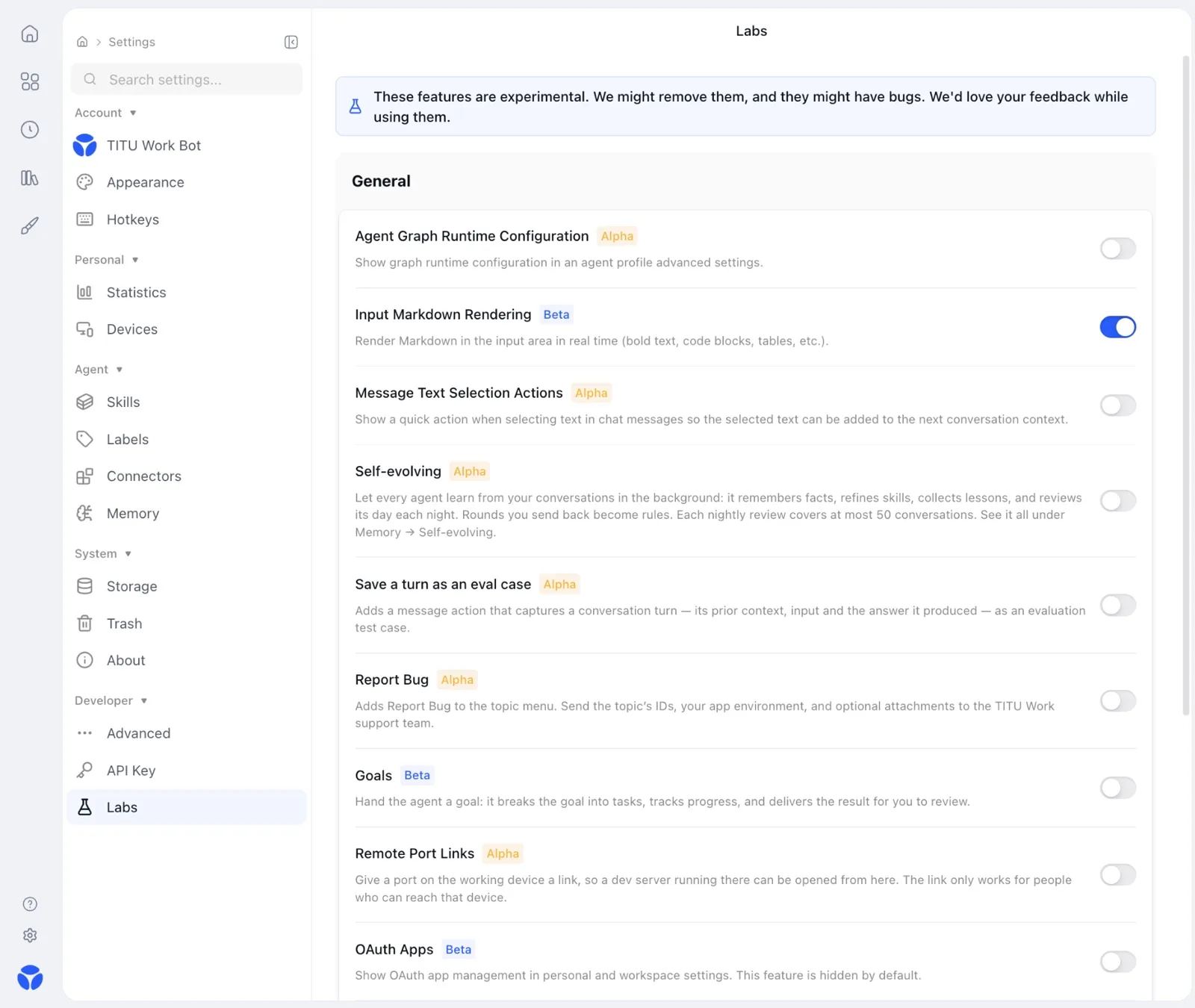
每项带 Alpha 或 Beta 标记和开关,例如 Input Markdown Rendering、Self-evolving、Goals、Remote Port Links、OAuth Apps。第一次使用时建议保持默认。
About
Settings → System → About 显示产品版本,Contact Us 下有 Email Support 和 Business Cooperation 链接,Analytics 下有开关 Send Anonymous Usage Data。
这篇文档对你有帮助吗?