

開發者設定
Advanced tools、API Key 和實驗功能 Labs,以及 About 頁。
最後更新於
設定目錄 Developer 下有 Advanced、API Key、Labs 三項。
Advanced
Settings → Developer → Advanced 裡只有一項開關:Advanced tools,說明是 Show technical details and manual controls for chats, models, and local tools. This does not change model responses.
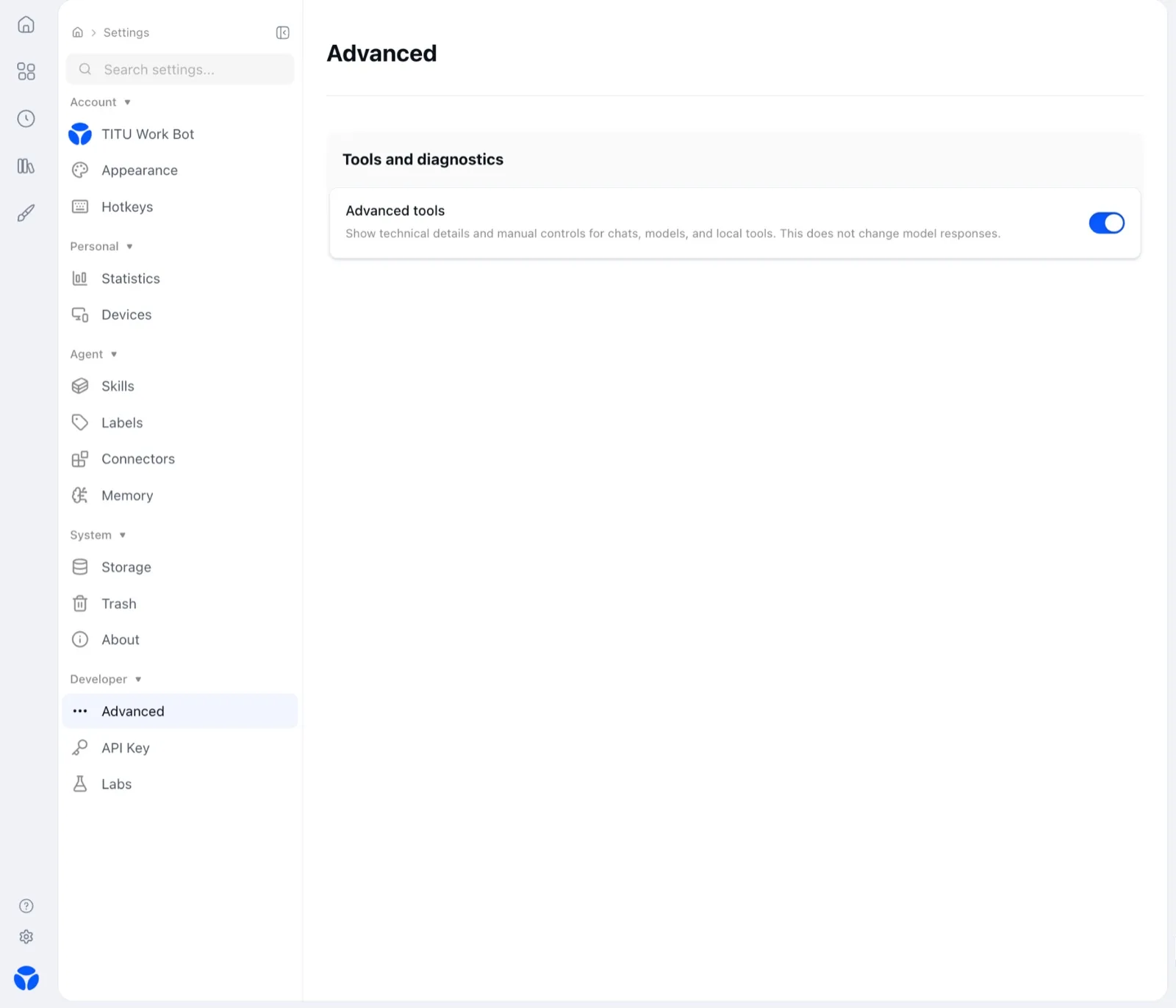
開啟後,介面裡一些原本隱藏的位置會顯示技術資訊,例如點擊某條回覆下方的數字,可以看到這條訊息消耗的 Token,見用量與 Token。按介面說明,這個開關不會改變模型的回答。
API Key
API Keys 讓外部工具和指令碼以你的身份呼叫 TITU Work 的 API。頁面頂部有 API Docs 和 Create API Key,表格列出 Name、Key、Scope、Expiration Date、Last Used,Key 預設打碼,旁邊有顯示和複製圖示。
妥善保管 Key
Scope 為 Full access、Never expires 的 Key 許可權很大。請勿把 Key 發到群裡,也不要寫進公開程式碼。
Labs
Labs 是實驗功能。頁面頂部提示:These features are experimental. We might remove them, and they might have bugs.
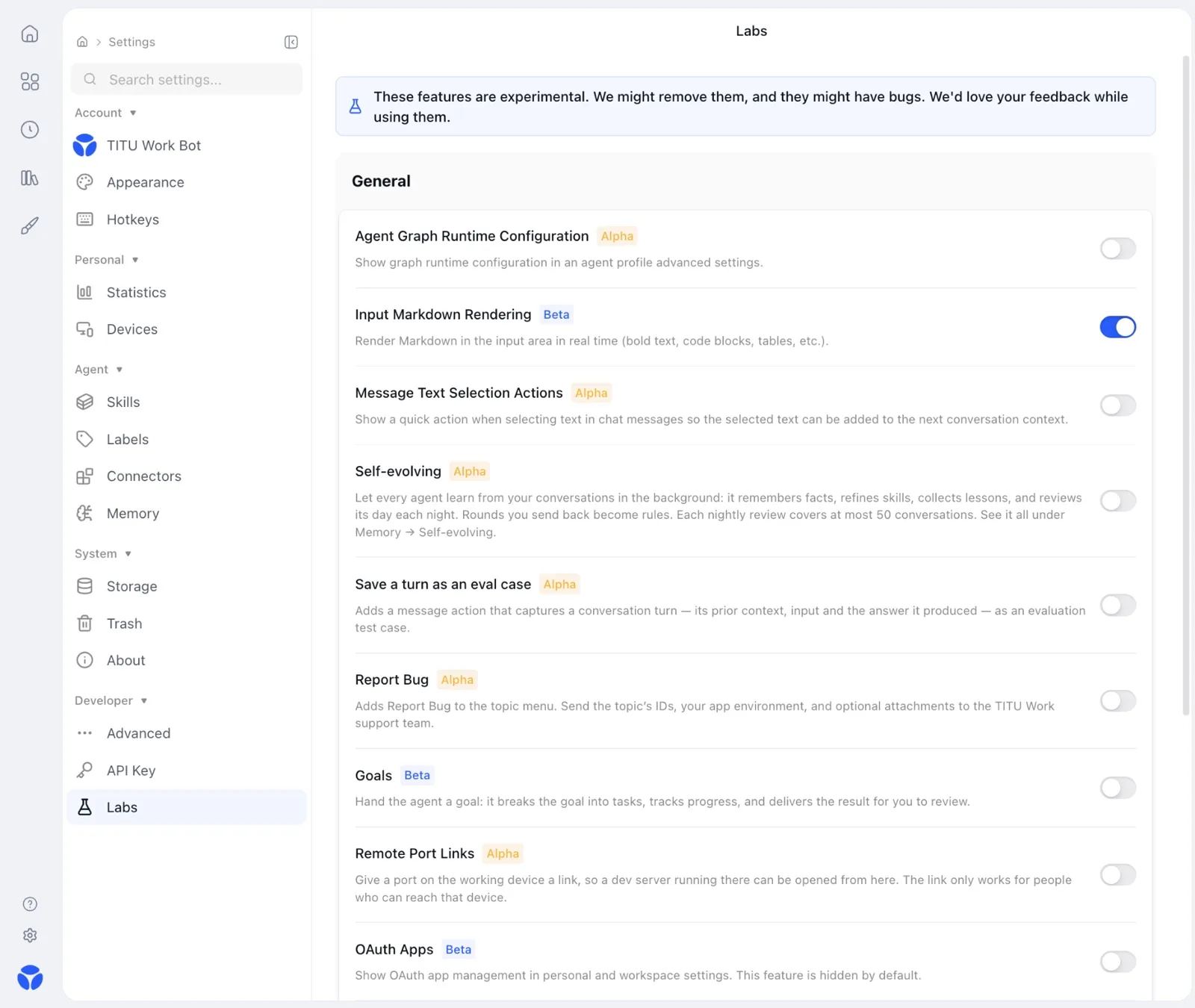
每項帶 Alpha 或 Beta 標記和開關,例如 Input Markdown Rendering、Self-evolving、Goals、Remote Port Links、OAuth Apps。第一次使用時建議保持預設。
About
Settings → System → About 顯示產品版本,Contact Us 下有 Email Support 和 Business Cooperation 連結,Analytics 下有開關 Send Anonymous Usage Data。
這篇文件對你有幫助嗎?