

Developer settings
Advanced tools, API Key and the experimental Labs features, plus the About page.
Last updated on
The Developer group in the settings directory has three items: Advanced, API Key and Labs.
Advanced
Settings → Developer → Advanced has a single switch, Advanced tools, described as Show technical details and manual controls for chats, models, and local tools. This does not change model responses.
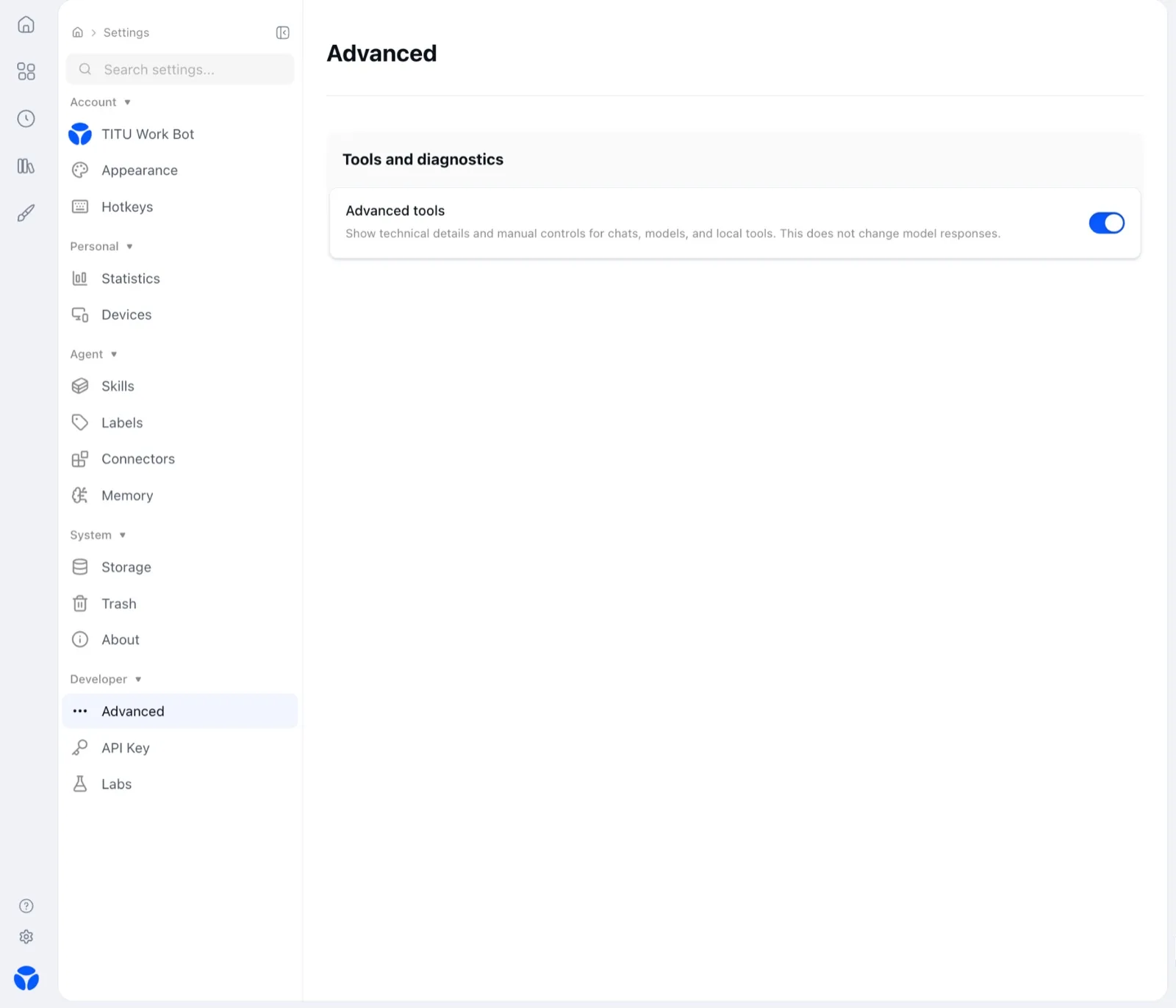
When on, some places in the interface that were hidden show technical information. For example, clicking the number below a reply shows the tokens that message consumed; see Usage and tokens. According to the interface text, this switch does not change the model's answers.
API Key
API Keys let external tools and scripts call the TITU Work API as you. The top of the page has API Docs and Create API Key, and the table lists Name, Key, Scope, Expiration Date and Last Used. Keys are masked by default, with icons beside them to reveal and copy.
Keep your key safe
A key with Scope Full access and Never expires is very powerful. Do not post a key in a chat group or put it in public code.
Labs
Labs holds experimental features. The page warns at the top: These features are experimental. We might remove them, and they might have bugs.
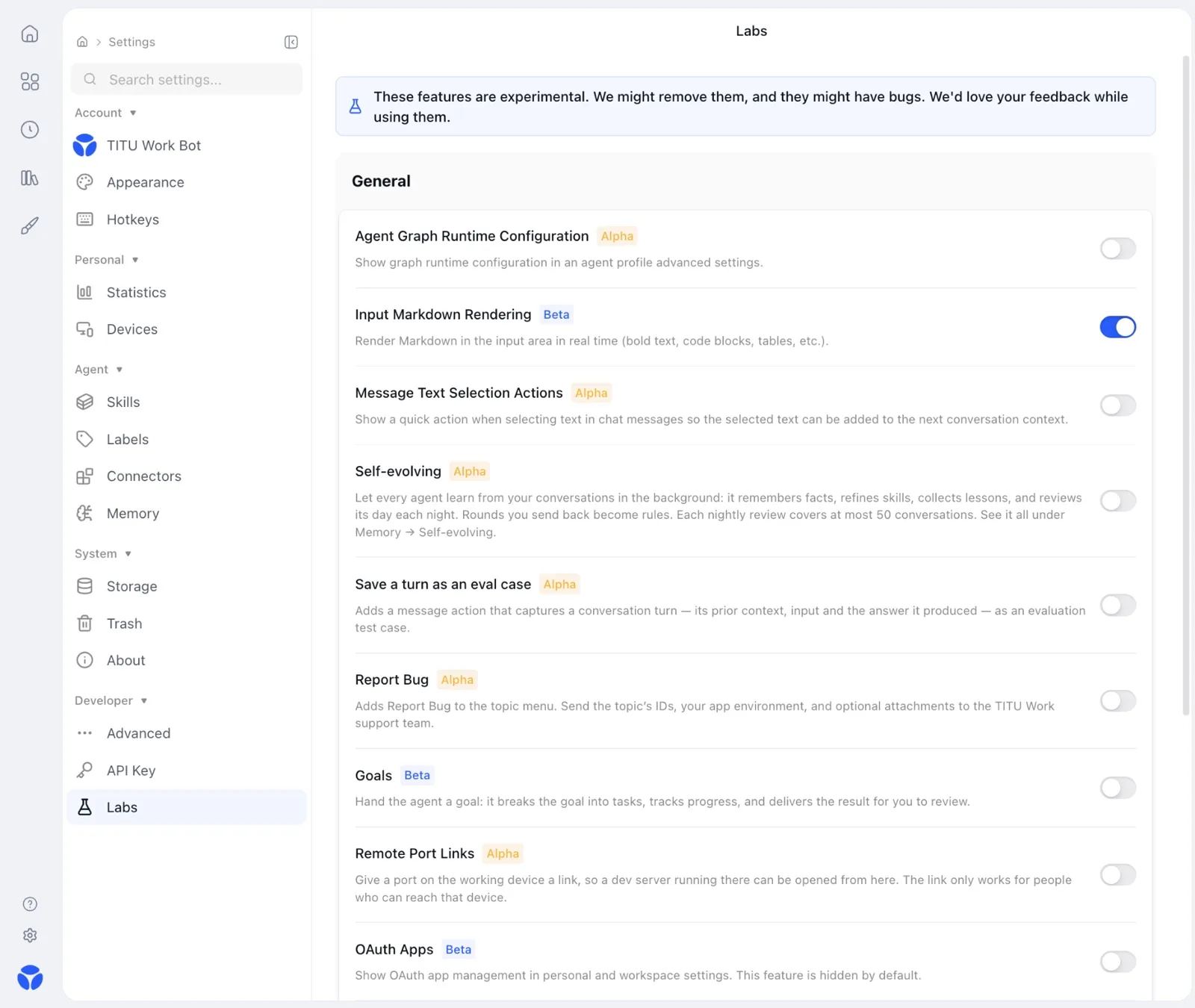
Each carries an Alpha or Beta tag and a switch, for example Input Markdown Rendering, Self-evolving, Goals, Remote Port Links and OAuth Apps. When you first start, keep the defaults.
About
Settings → System → About shows the product version, with Email Support and Business Cooperation links under Contact Us and a Send Anonymous Usage Data switch under Analytics.
Was this page helpful?